MediaWiki Admin Panel
Configure your wiki without touching code
A Configuration UI for MediaWiki
MediaWiki is traditionally configured through PHP files and command-line scripts. The Admin Panel replaces this with a web-based interface where wiki administrators manage settings, users, extensions, and appearance through their browser.
The Admin Panel is developed by Professional Wiki and included with our managed MediaWiki hosting. It works with any MediaWiki installation managed by us.
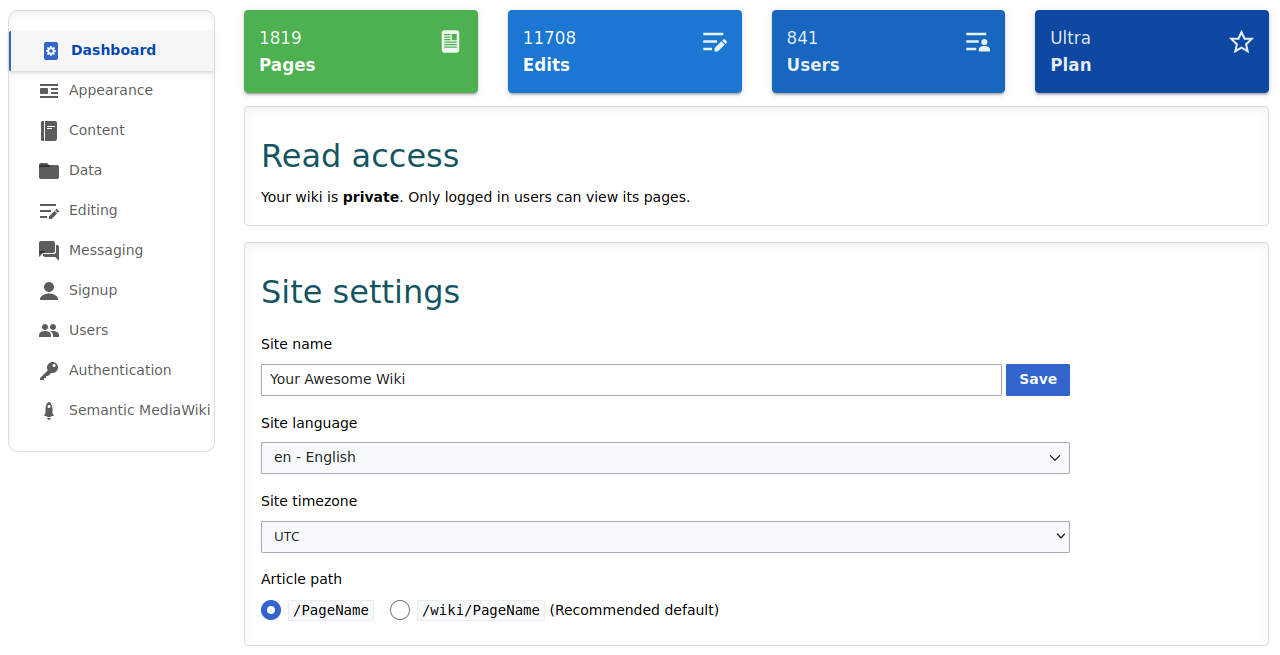
See It in Action
What You Can Configure
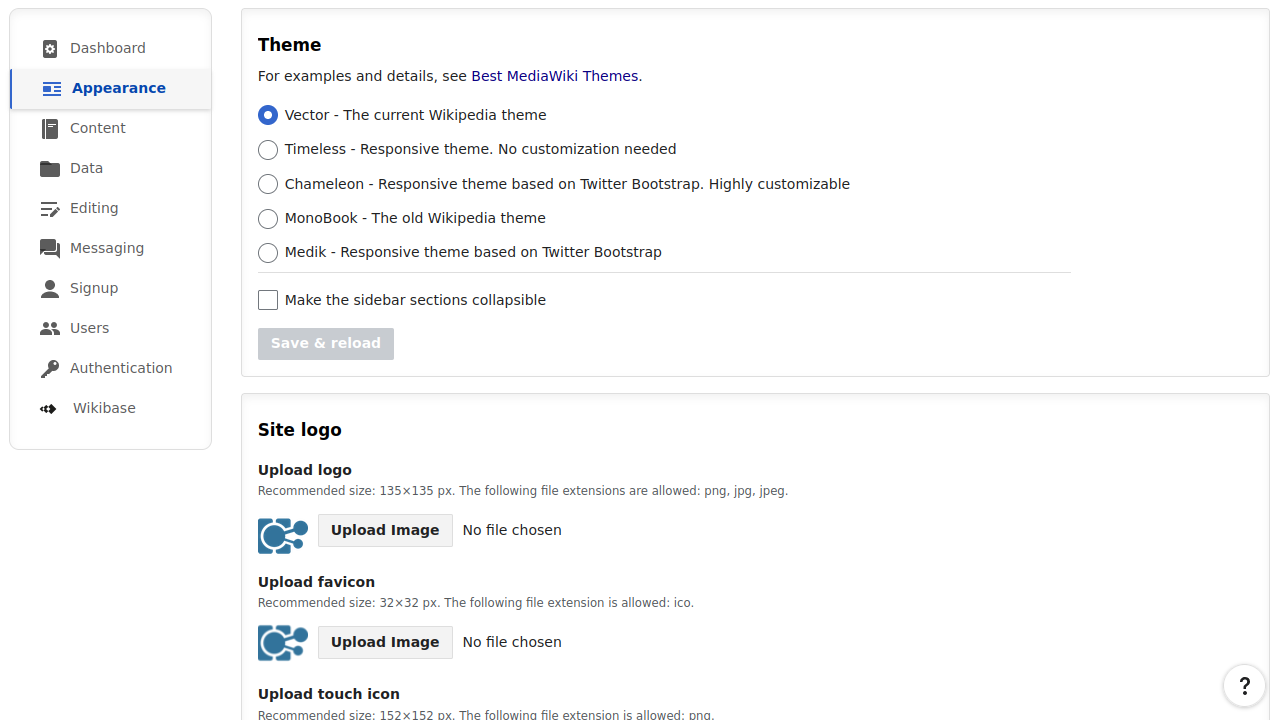
Appearance
Switch between themes (Vector, Timeless, Chameleon, and more), upload your logo, favicon, and touch icon, configure page title display, header tabs, related articles, page previews on hover, and site notices.
Extensions
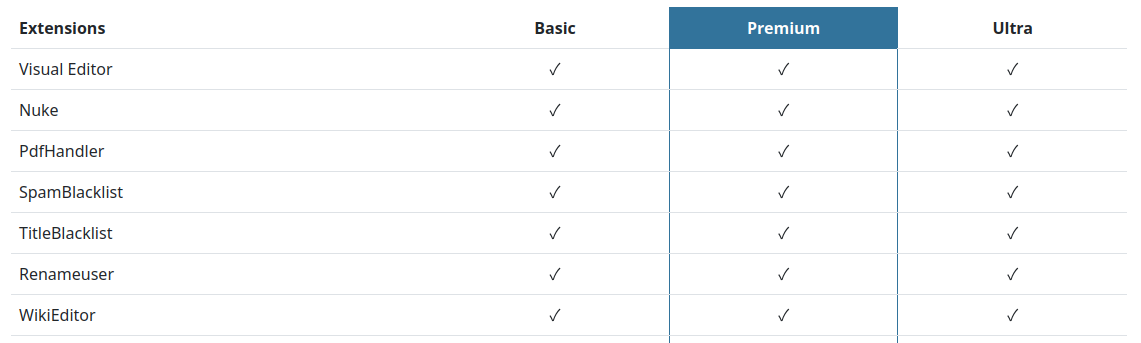
Over 120 MediaWiki extensions are available, including Visual Editor, Semantic MediaWiki, Wikibase, Page Forms, Maps, Scribunto, and CommentStreams. You enable them with a click.
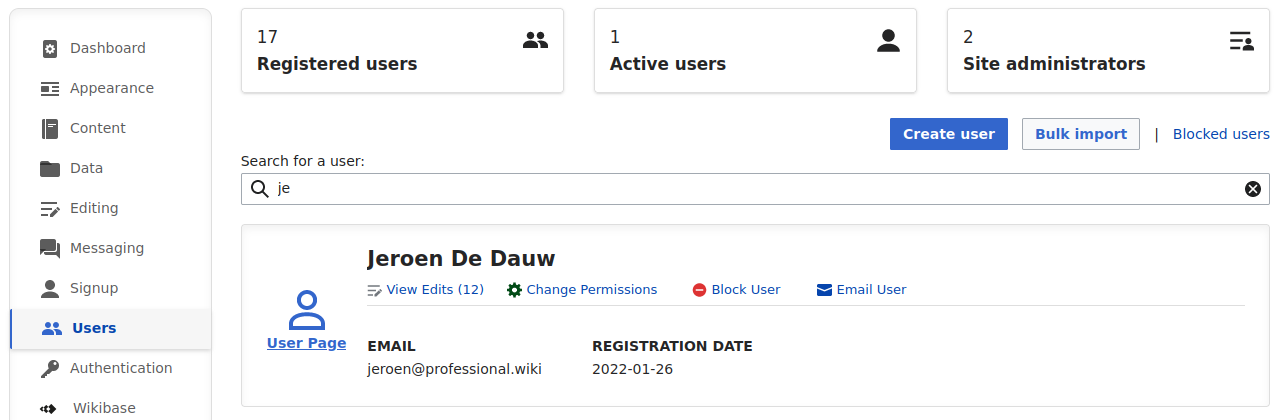
Users and Permissions
Create user accounts, bulk import them, change permissions, block users, and control who can edit, move, delete, and upload. Set the wiki to public or private with one toggle.
Editing
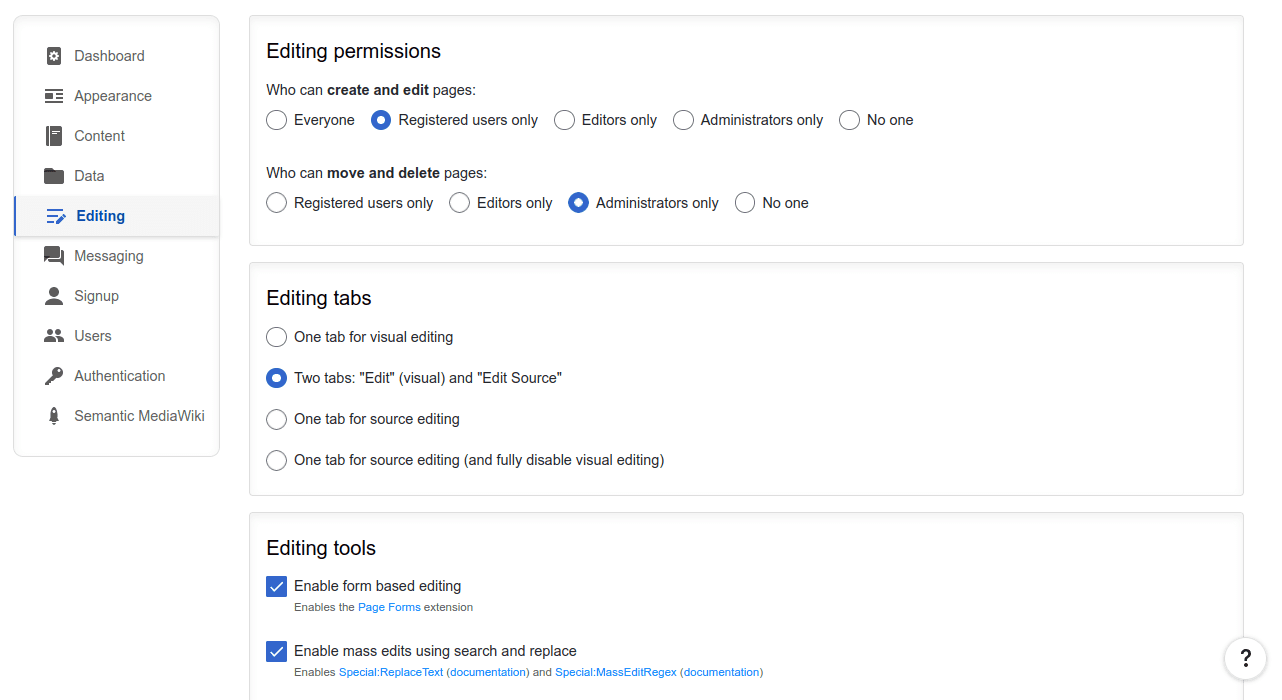
Choose between Visual Editor and source editing, enable form-based editing with Page Forms, mass search-and-replace, bulk uploads and page deletion, code editors, and Slash Commands. Set up content moderation, page approval workflows, spam prevention filters, and notification channels including Discord.
Content Features
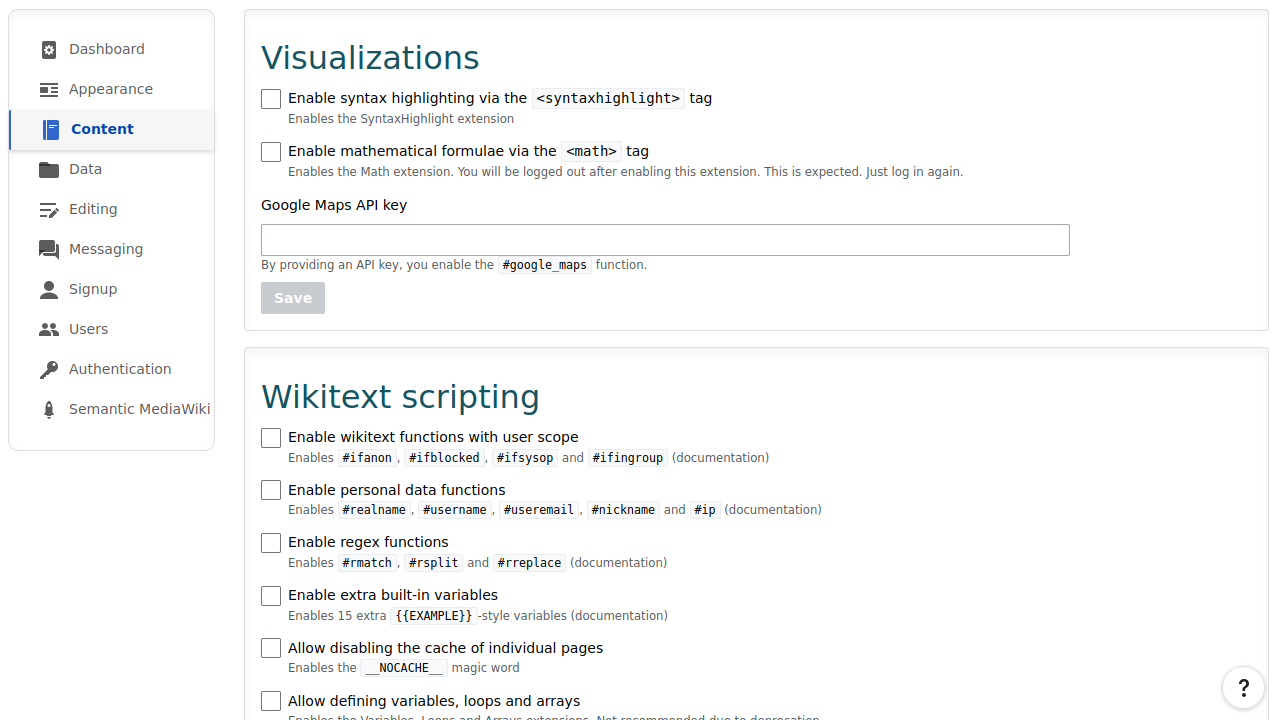
Enable diagrams (Mermaid, Drawio, BPMN, Gantt), interactive maps (Leaflet, Google Maps), syntax highlighting, math formulae, and Lua scripting. Create custom namespaces, configure SEO meta tags, add web analytics, and set your site license.
Structured Data Configuration
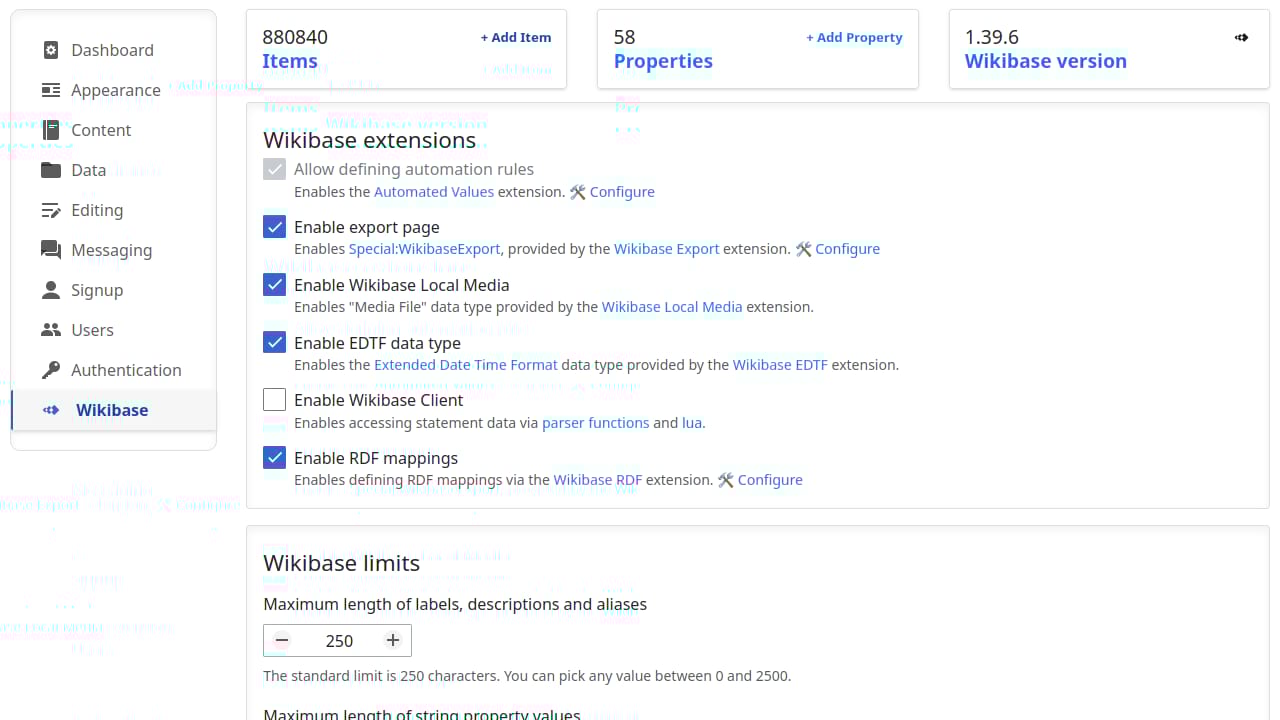
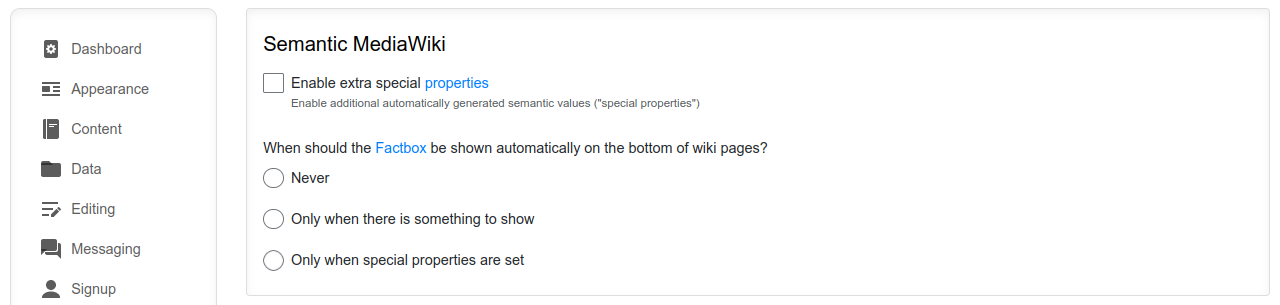
The Admin Panel includes dedicated dashboards for Wikibase and Semantic MediaWiki, giving you an overview of your structured data and quick access to configuration options.
Wikibase
See item and property counts at a glance, enable Wikibase extensions, and configure your knowledge graph. The Wikibase dashboard is available when Wikibase is activated on your wiki.
Semantic MediaWiki
View property and page statistics, enable Semantic MediaWiki extensions, and access configuration options. Like Wikibase, the SMW dashboard appears once Semantic MediaWiki is activated.
AI Assistant Configuration
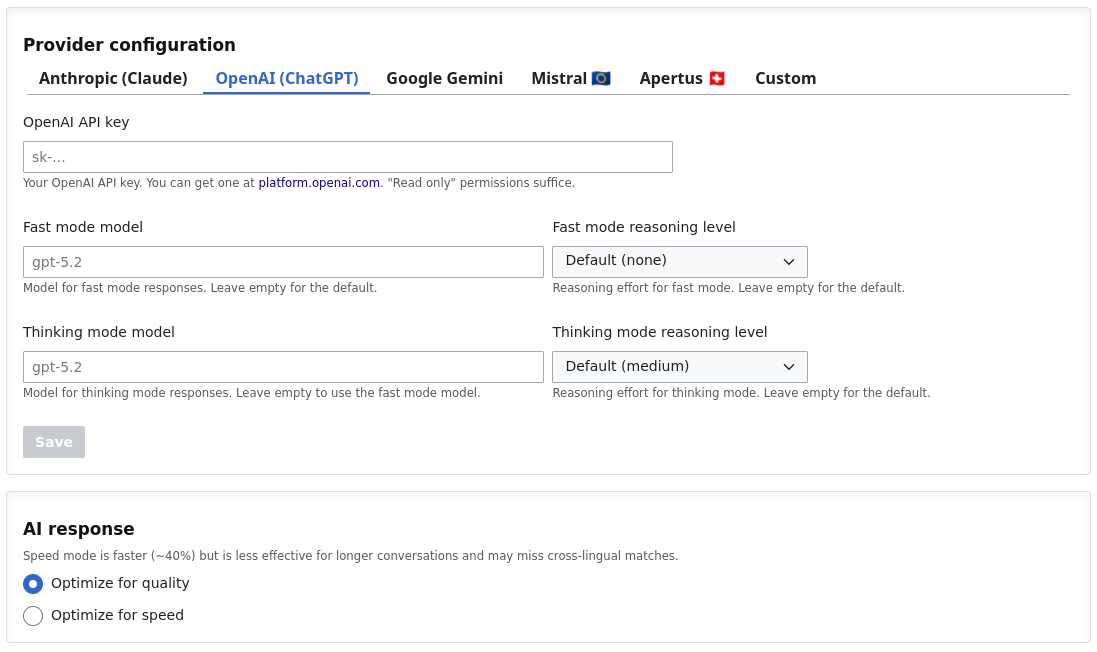
Set up and customize your AI Assistant, enabling the chatbot that answers questions based on your wiki's content.
AI Assistant
Choose your AI provider and model, including European and self-hosted options, enable thinking mode for deeper answers, customize the chat widget, and toggle features like conversation history and source citations. Learn more about the AI Assistant.
And More
Single Sign-On via Google, Microsoft, Okta, Auth0, GitLab, Slack, or any OpenID Connect provider. Two-factor authentication, OAuth server, and user migration.
Import pages from XML, CSV, or spreadsheets. Export to XML or as books. Connect to external data sources.
Email sender and reply-to settings, contact forms, and threaded page comments with voting.
SEO meta tags, web analytics scripts (Google Analytics, Matomo), cookie banners, and license footers.
Get Started
The Admin Panel is included with all Professional Wiki hosting plans. Whether you choose our cloud-based hosting or a dedicated MediaWiki installation, you get the full Admin Panel out of the box.
Need help setting up or customizing your wiki? Our experts are here to help with custom development, consulting, and ongoing support.
Explore More
A chatbot widget for your wiki that answers questions with source citations. Permission-aware and compatible with Claude and ChatGPT.
Custom MediaWiki themes tailored to your organization's branding, configurable through the Admin Panel.
Explore our products and tools for MediaWiki, including hosting, AI, and open-source extensions.